See,Drag,Done.Elenna keeps it in sync.
Elenna is a calendar app for the web, iPhone, Android, and Mac. Connect the Google accounts you already use and every event lands on one grid.
Free while in early access · Opens in your browser, nothing to install
The same calendar everywhere you already work
- iPhone
- iPad
- Android
- Mac
- Web
- Google Calendar
- iCloud
Consolidate every calendar you own into a single grid
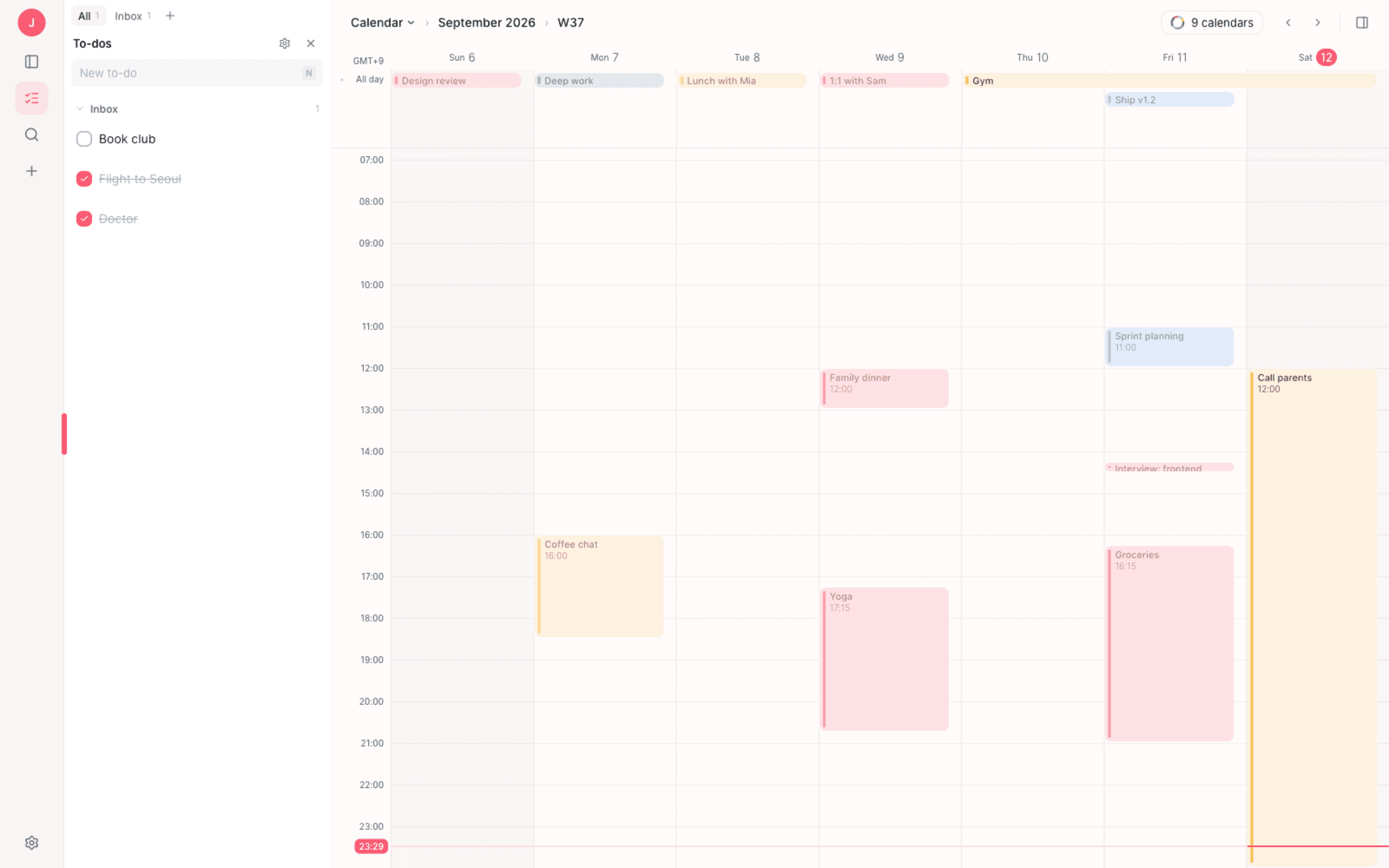
Nine calendars, one week
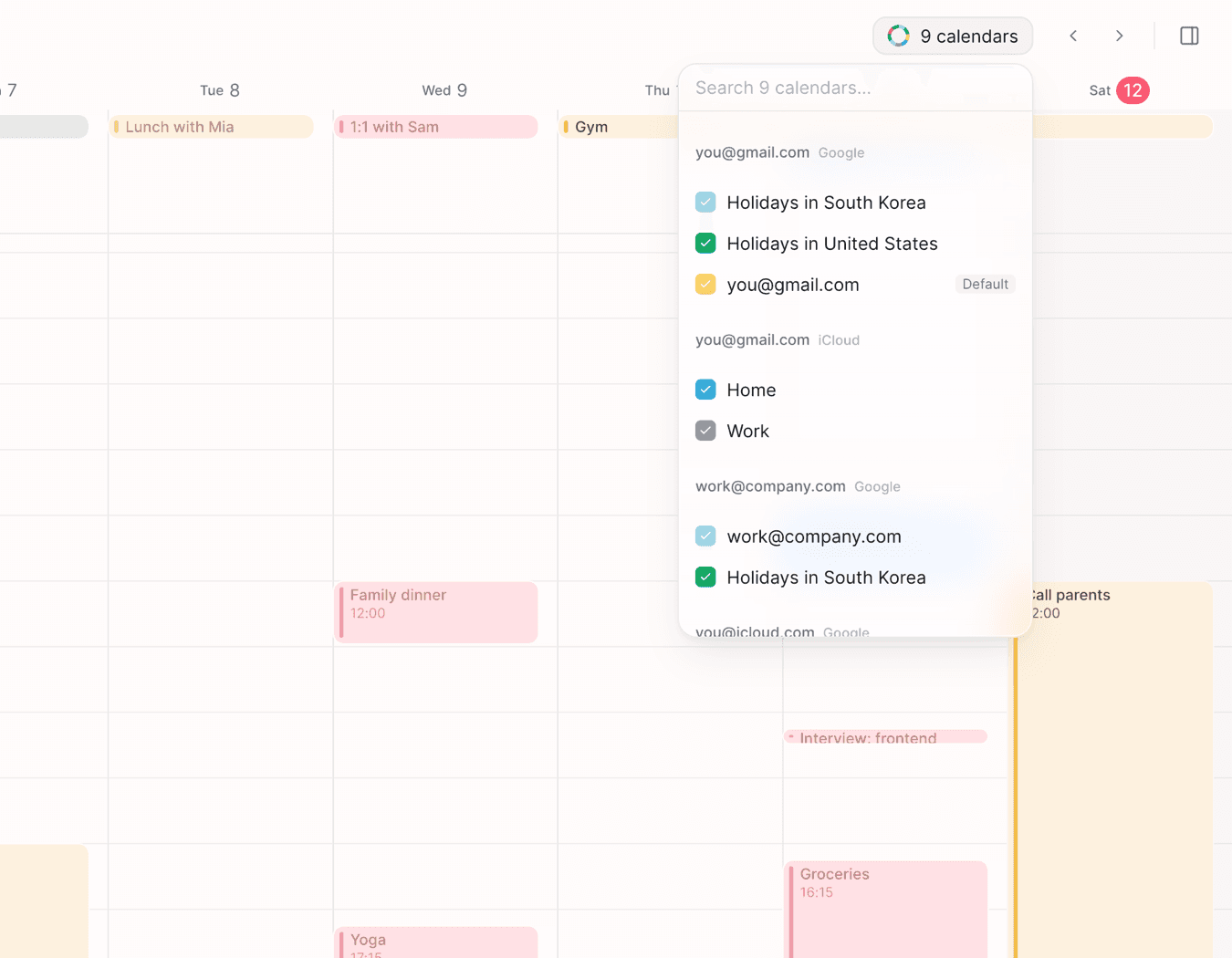
Work, personal, the shared family calendar, the holidays feed you forgot you subscribed to. They all land on the same grid, each with its own colour, and a switch hides the ones you do not need right now.
Two-way, in seconds
Anything you change in Elenna is written back to Google Calendar, and anything changed elsewhere flows in. No export, no copy, no “sync now” button to remember.
See
Every account on one week, not three tabs
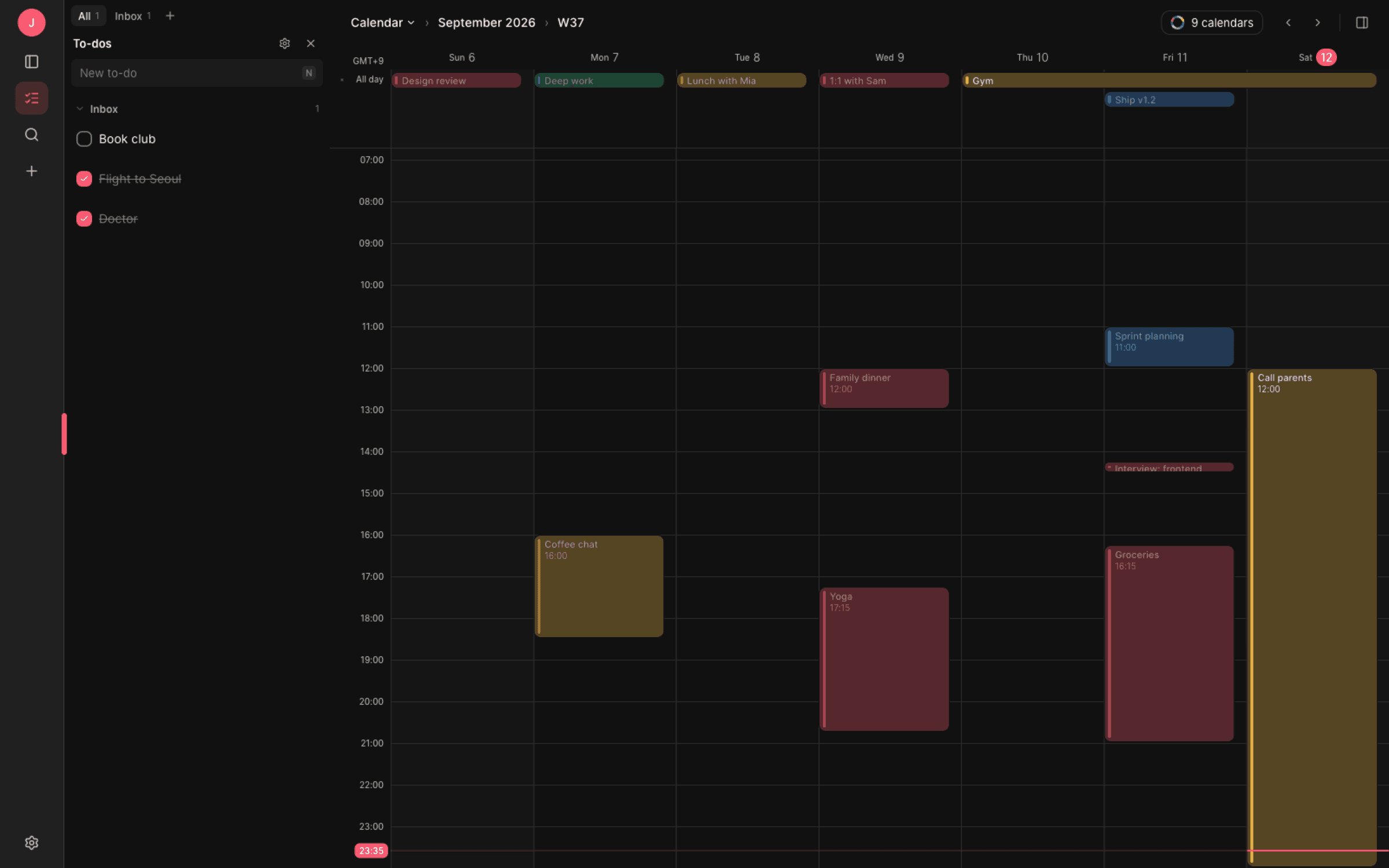
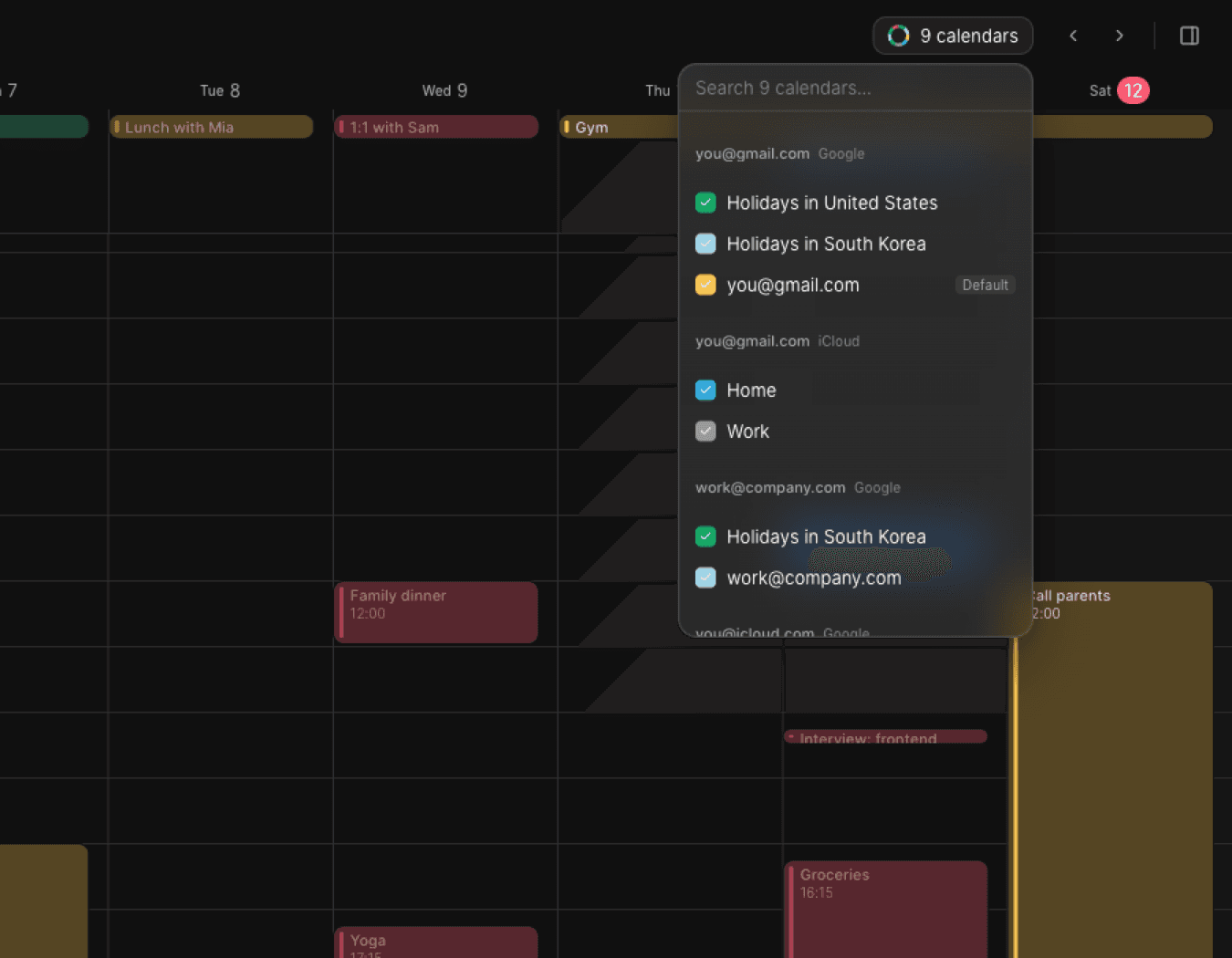
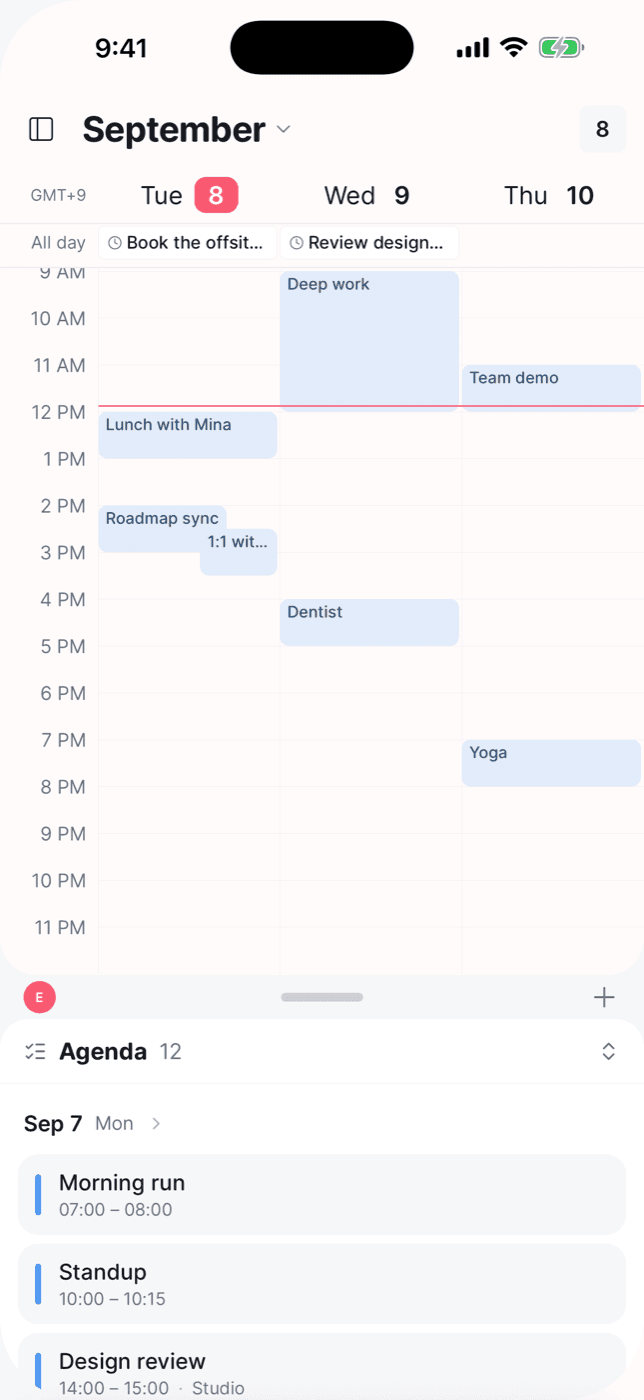
Add as many Google and iCloud accounts as you like. Elenna keeps them side by side on one grid — a colour per calendar, a checkbox to hide the ones you are not thinking about, and a line across the week showing where “now” is.
Change
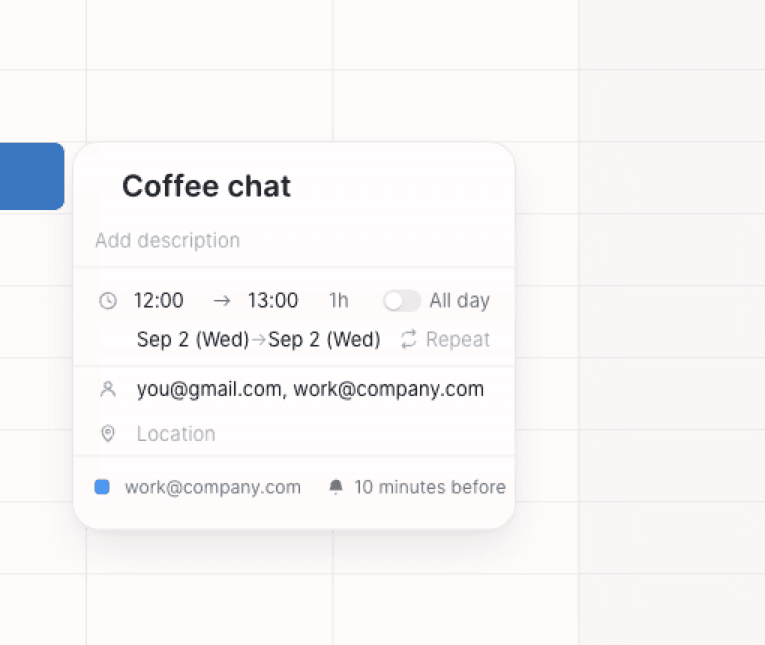
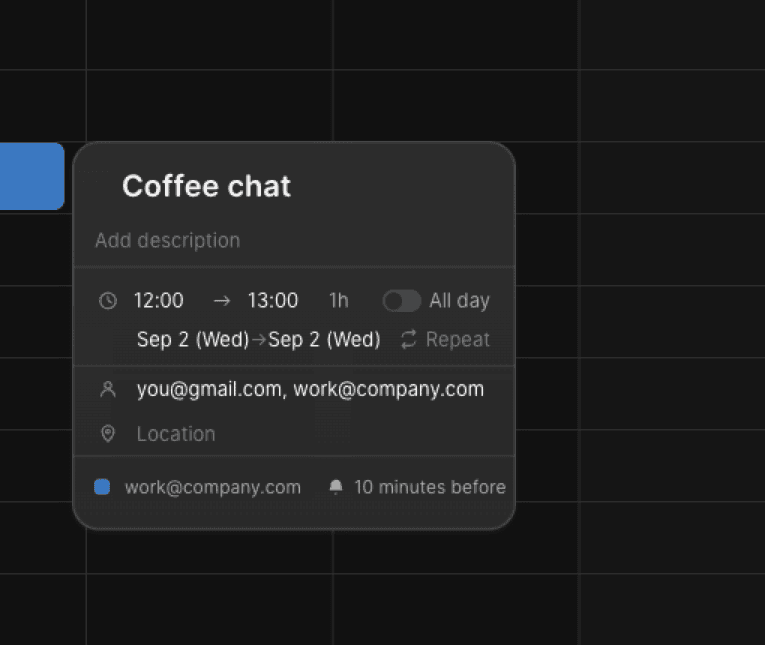
Open an event, change it, and it is already saved
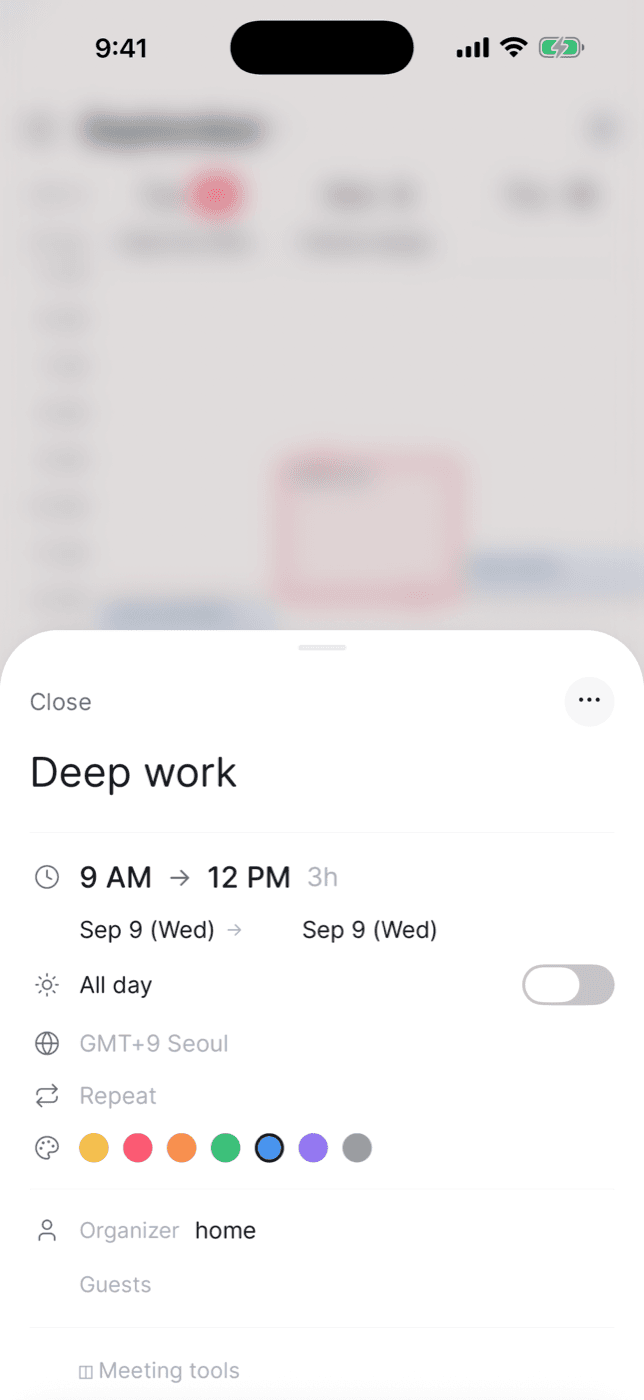
Click an event and everything is on one card — time, duration, all-day, repeat, location, which calendar it belongs to, and the reminder. Drag on empty space to create, drag an event to another day, grab an edge to change how long it runs. Every edit goes back to the provider in seconds.
Plan
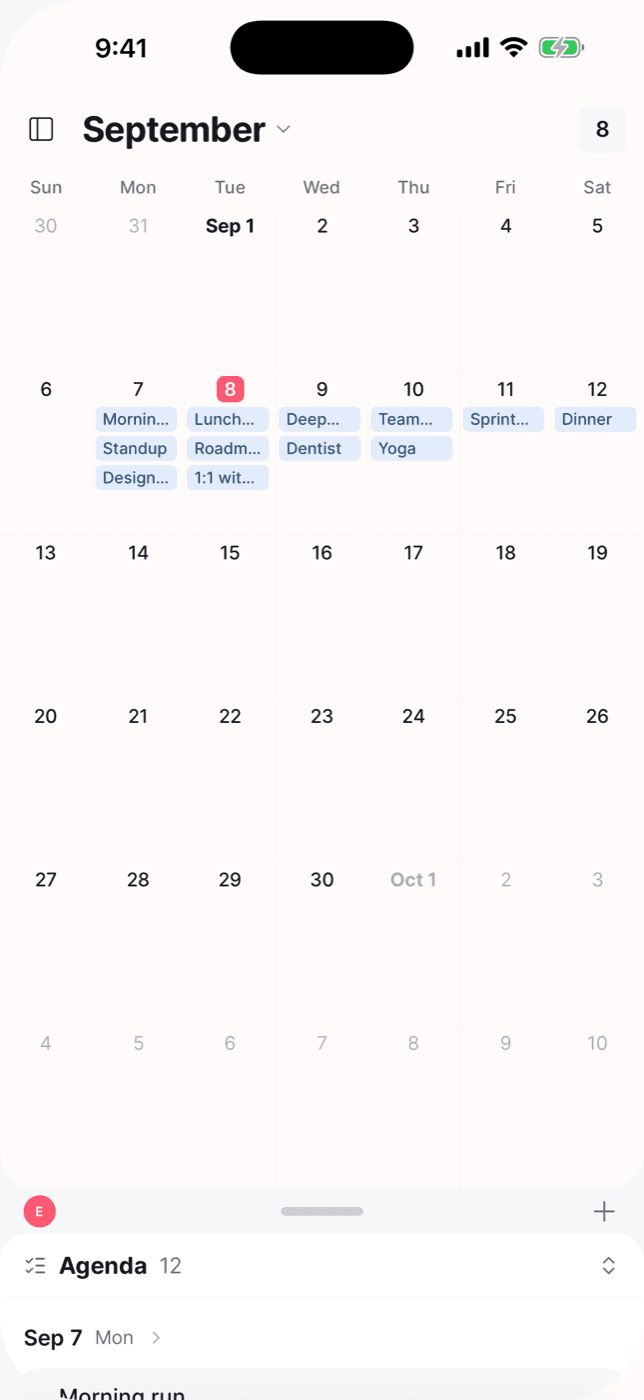
A month when you are deciding, a week when you are doing
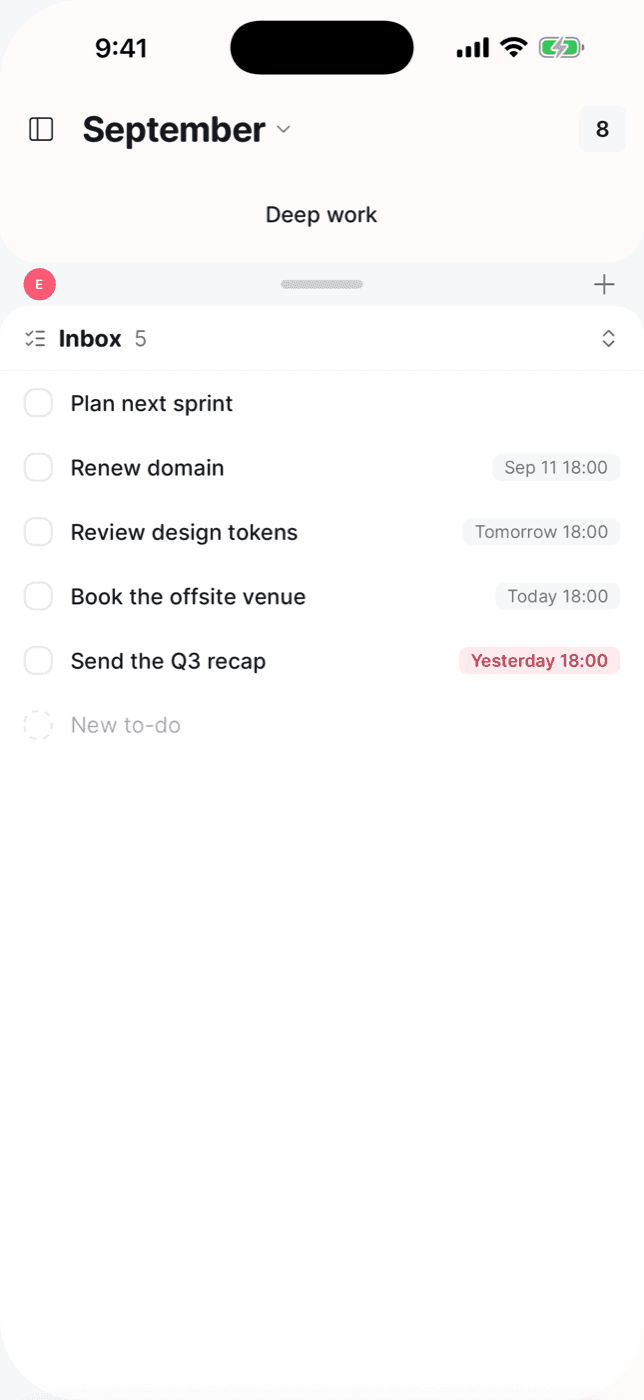
Switch views with a single key — W for week, M for month, D for day, A for agenda, T to jump back to today. To-dos sit in the same window, so what you have to do and when you can do it are never in two different apps.
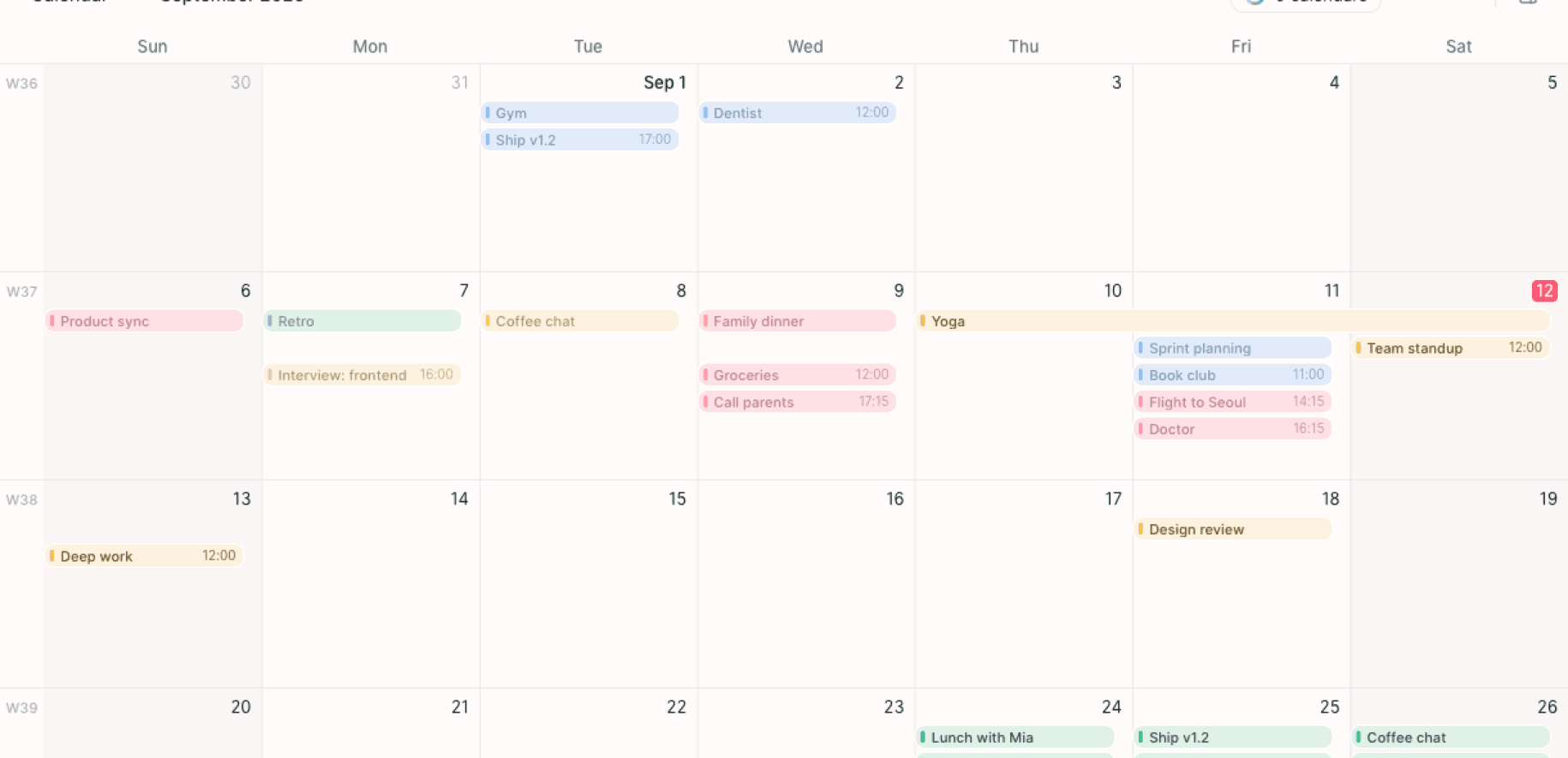
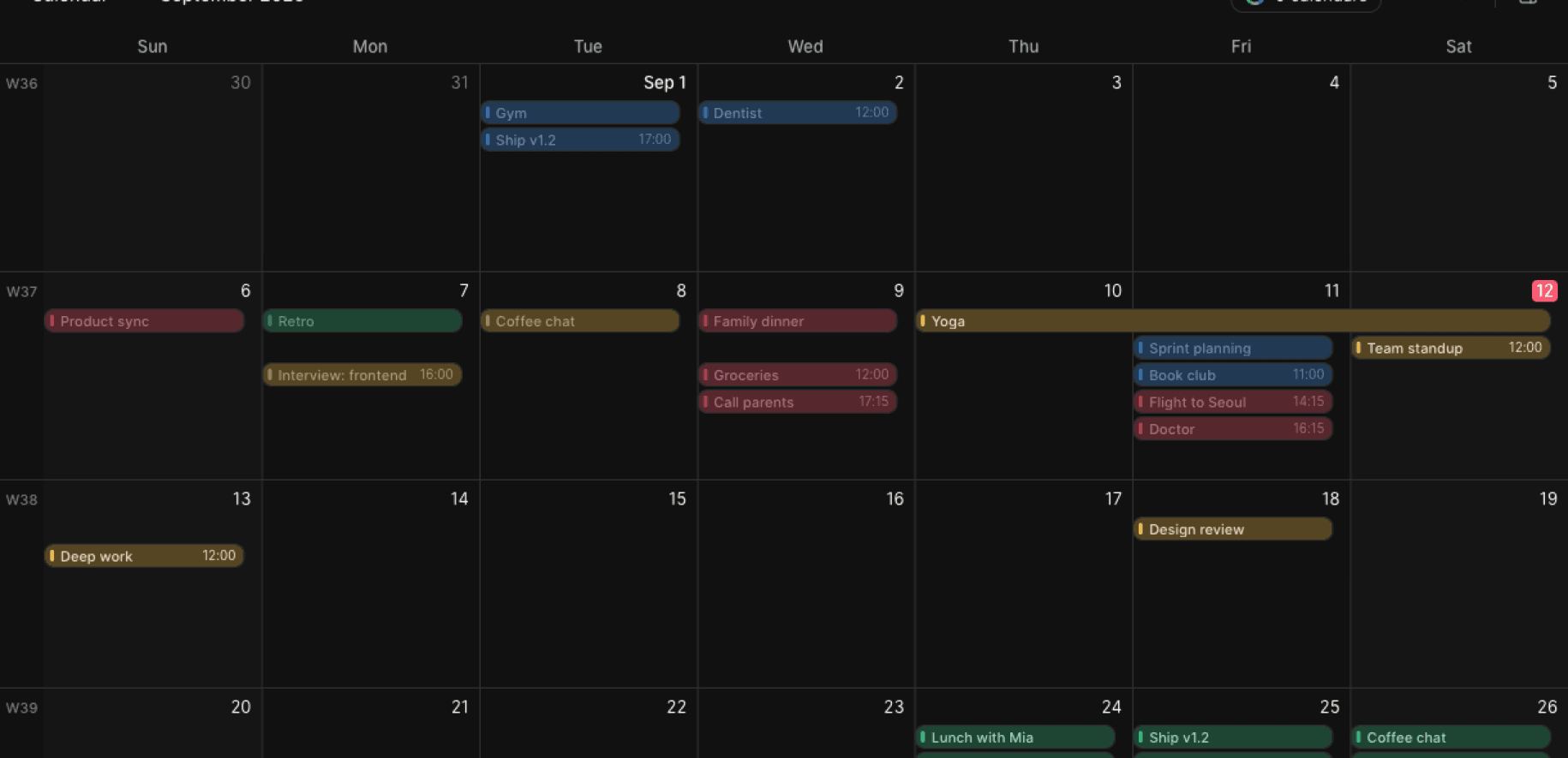
Four views, one keystroke apart
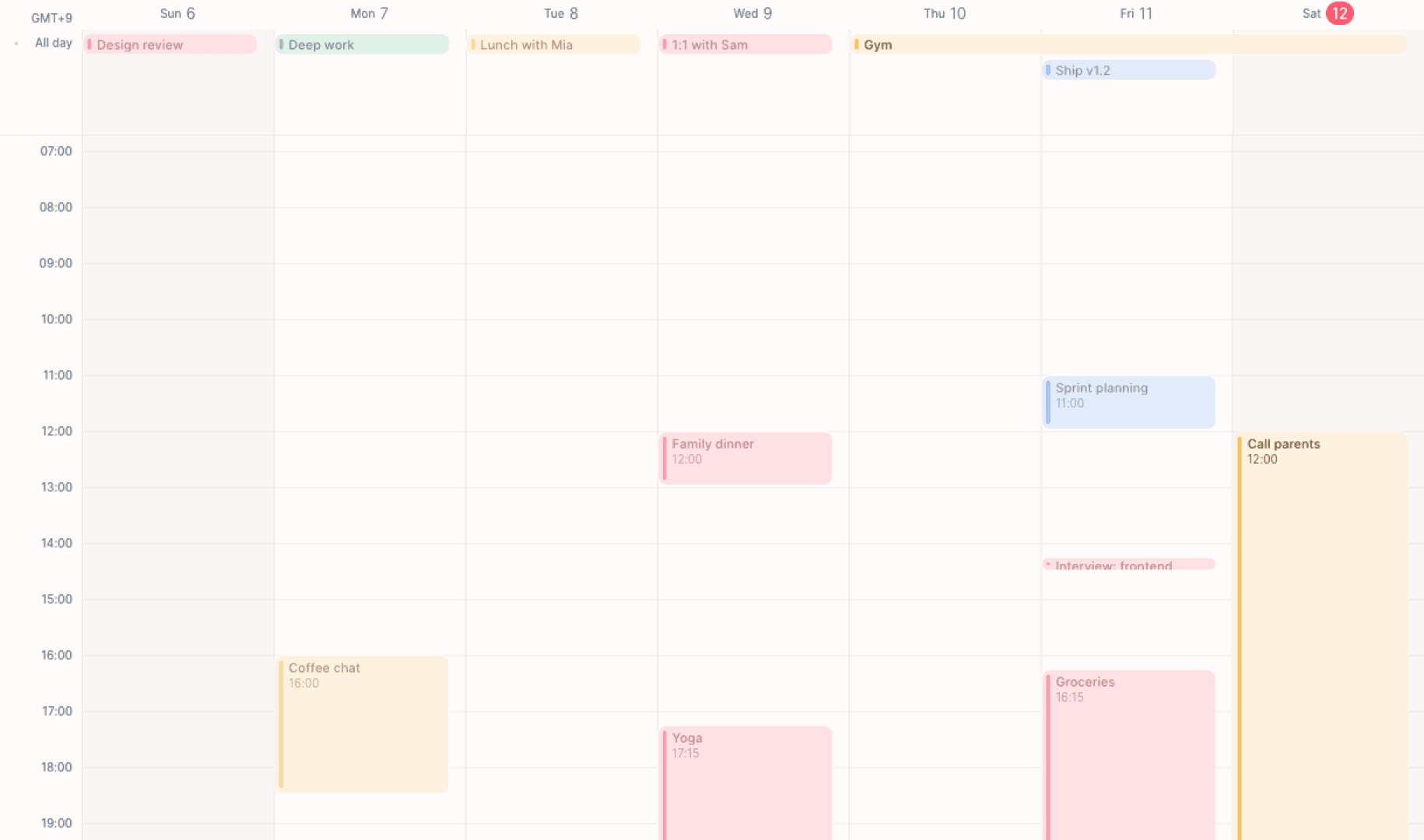
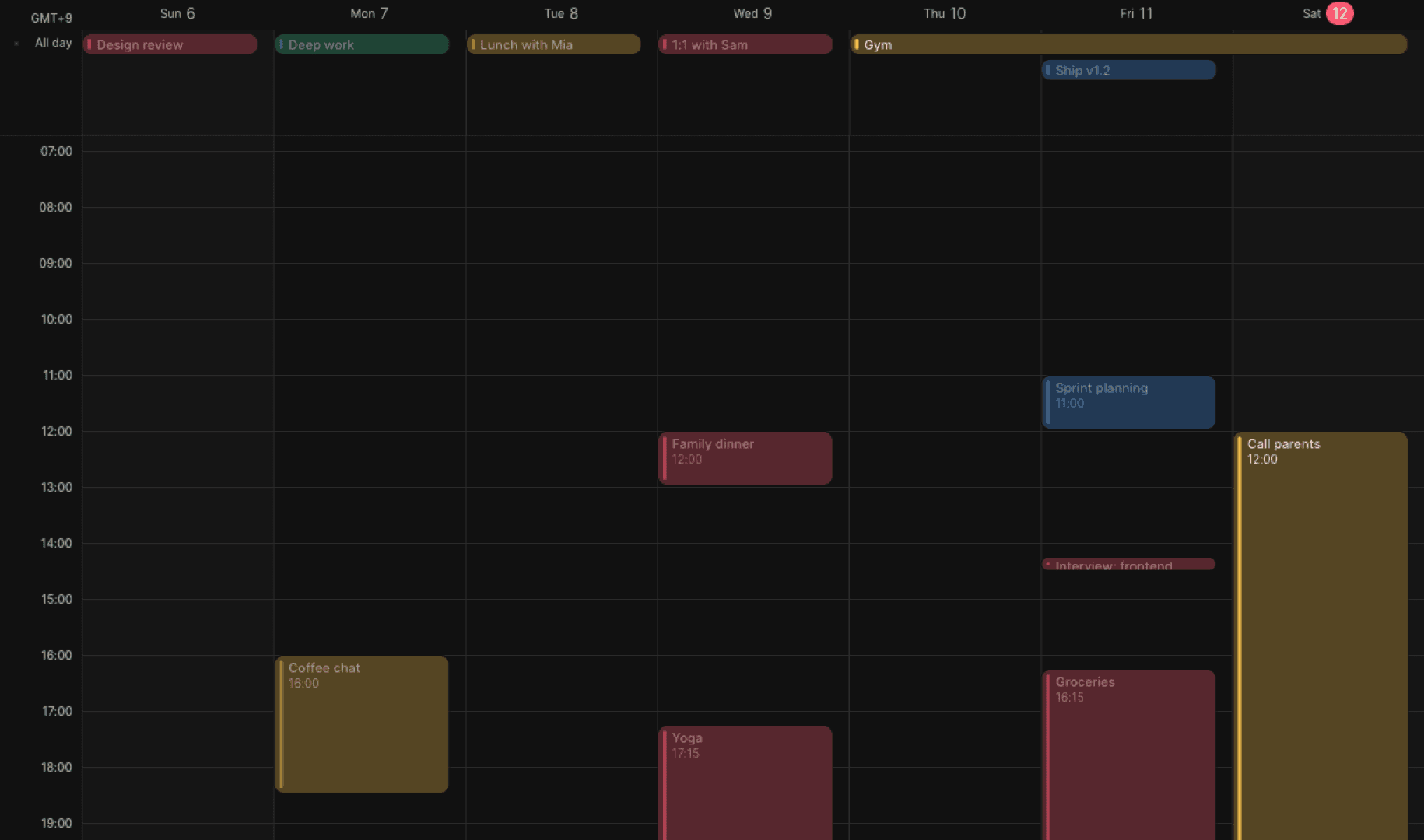
Week — press W
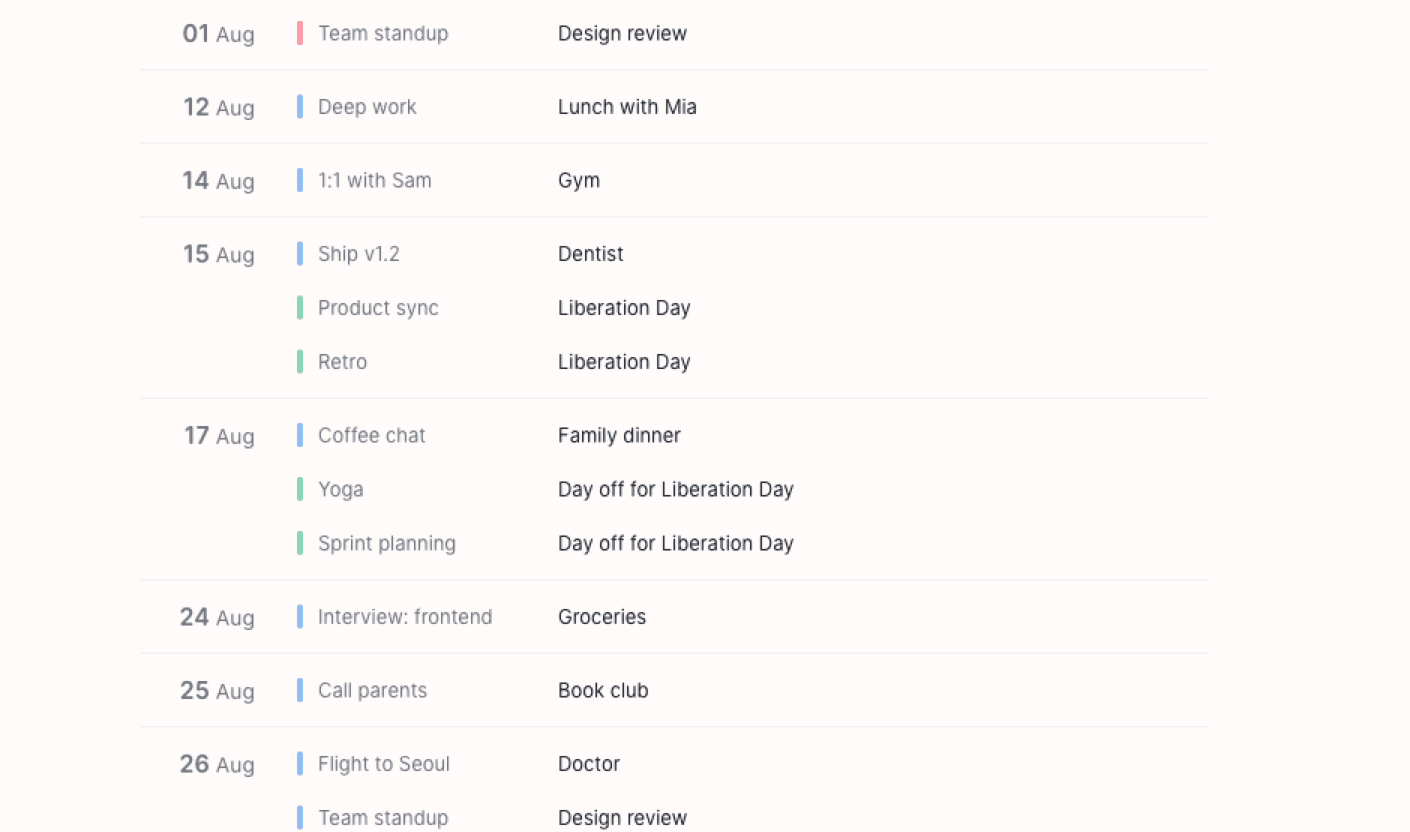
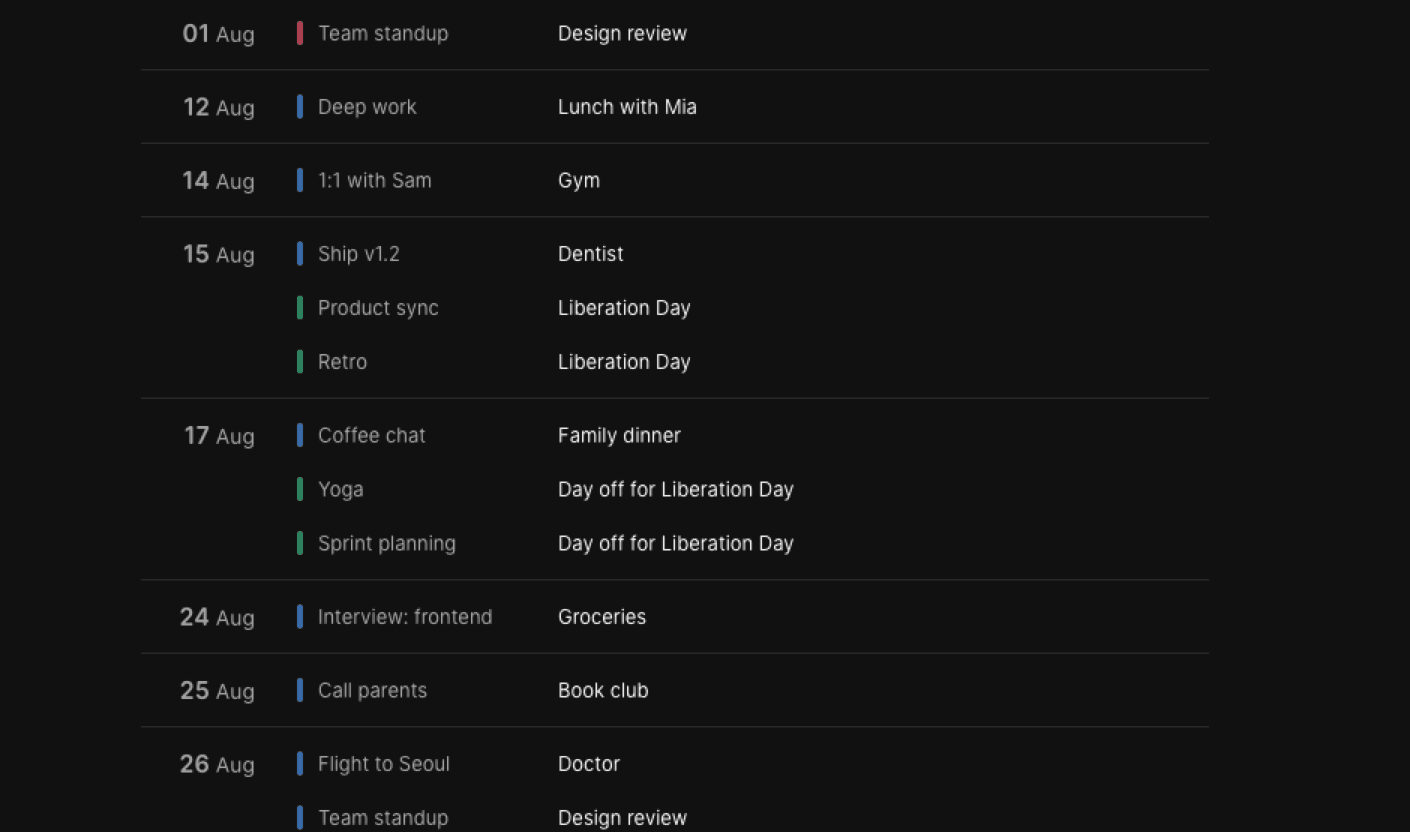
Agenda — press A
The same calendar in your pocket
The iPhone app is on the App Store, the Android app is on Google Play, and the Mac app is ready to download — the same accounts, the same colours, and the same to-dos beside the day. Windows and Linux are on the way.
- Windows and LinuxComing soon
Questions people ask first
- Do I need to install anything?
- No. Elenna runs in the browser at app.elenna.day. Sign in with Google, pick the calendars you want, and the week is on screen.
- Which accounts can I connect?
- Google Calendar, and iCloud through an app-specific password. Add as many of each as you like — Elenna keeps them side by side instead of merging them into one blob.
- Does it really write back to Google?
- Yes. Creating, moving, resizing, editing, and deleting all go back to the provider within seconds, and changes made in Google Calendar or on your phone flow in the same way.
- What happens with no network?
- Your events live in a database on the device. The calendar is on screen before the network answers, stays readable when it never does, and your edits go out when you are back.
- What does it cost?
- Nothing. Elenna is free while it is in early access.
What Elenna asks Google for
Elenna is a calendar client, so it asks for exactly what it needs to draw your calendar and save your edits — and nothing else.
- Your calendar list and settingsRead only
So Elenna knows which calendars belong to your account, and which time zone and week start to draw the grid with.
- Calendar eventsRead and write
So Elenna can show your events, and save the ones you create, move, or delete in the app.
- Your name, email address, and profile pictureRead only
So Elenna can sign you in and label the account in the sidebar.
Elenna does not request full calendar management, so it can never create, delete, or share a calendar on your behalf. Data received from Google APIs is used only to provide and improve the features above — it is never sold, and never used for advertising. See the privacy policy for the full detail, and how to disconnect or delete at any time.
Stop checking three calendars
Elenna is live on the web. Sign in with Google and your week is on screen in seconds.